Ever wondered how investigators catch criminals using just pixels and code? Welcome to the fascinating world of digital image forensics!
In today's digital age, images tell stories — but not all of them are true. From deepfakes to doctored evidence, the ability to verify image authenticity has become crucial. Digital image processing is the superhero that helps forensic experts separate fact from fiction, one pixel at a time.
What Is Digital Image Forensics?
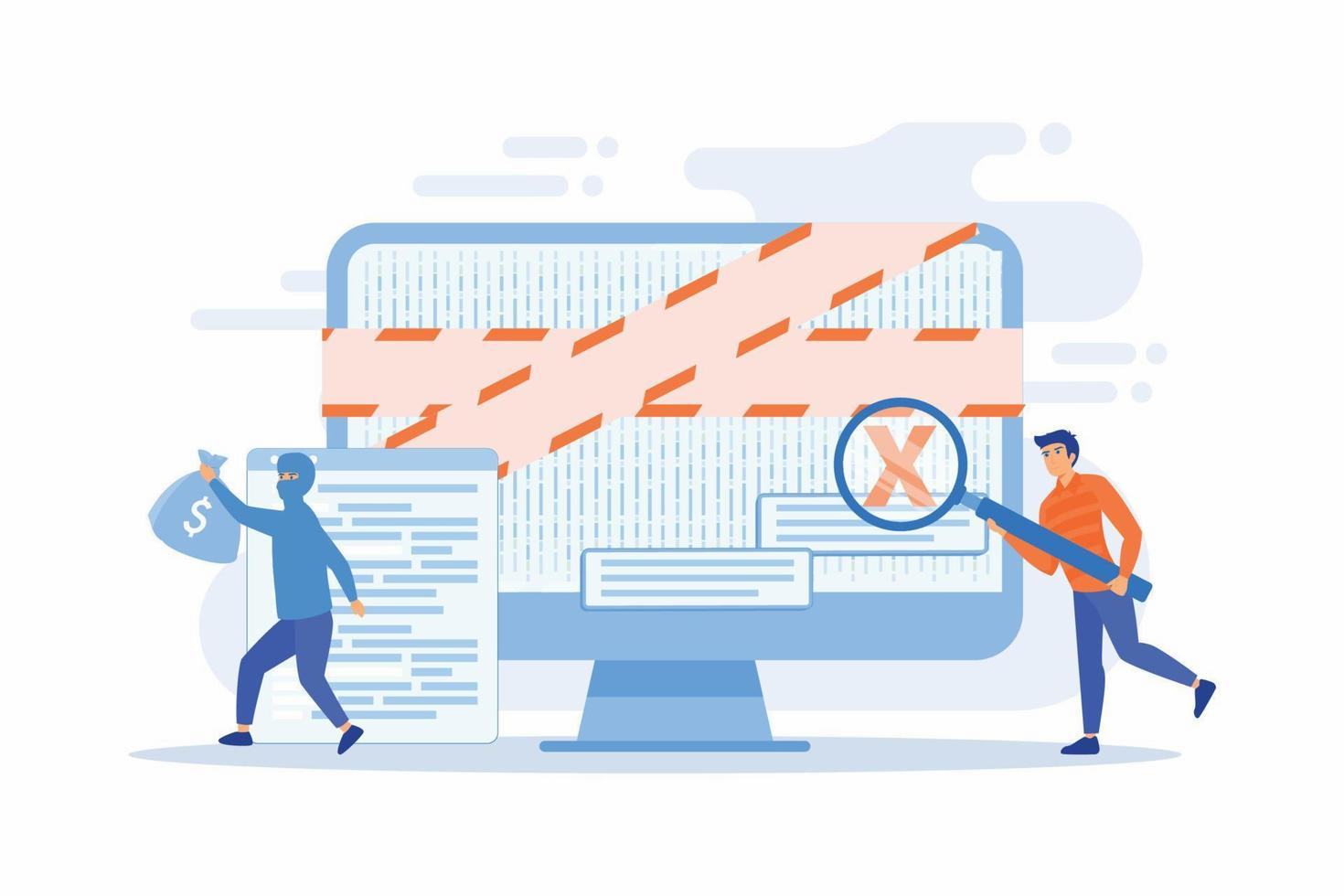
Digital image forensics is like being a detective for pictures. It's the science of verifying whether an image is authentic or has been tampered with. Think of it as a truth-serum for digital photos — it examines every tiny detail to uncover hidden secrets.
Unlike traditional forensics that deals with fingerprints and DNA, digital forensics works with pixels, metadata, and compression artifacts. It's the intersection where technology meets justice.
Why Does This Matter?
In legal proceedings, journalism, medical diagnoses, and security investigations, the authenticity of images can literally change lives. A single manipulated photo can send an innocent person to jail or let a criminal walk free.
The Magic Behind Image Processing in Forensics
Digital image processing uses sophisticated algorithms and AI to analyze images in ways human eyes never could. Here's how it works:
1. Metadata Examination: The Image's Digital Fingerprint
Every digital image carries hidden information called metadata (EXIF data). This includes:
- Date and time the photo was taken
- Camera model and settings
- GPS location coordinates
- Software used for editing
Forensic experts examine this metadata like reading a diary. Inconsistencies — like a photo supposedly taken in 2020 but showing metadata from 2018 — immediately raise red flags. If timestamps don't match, or if editing software traces appear where they shouldn't, investigators know something's fishy.
2. Pixel-Level Analysis: Zooming Into the Truth
This is where things get seriously technical. Forensic tools analyze individual pixels to detect:
- Lighting inconsistencies
- Compression artifacts
- Copy-move forgery
- Noise patterns
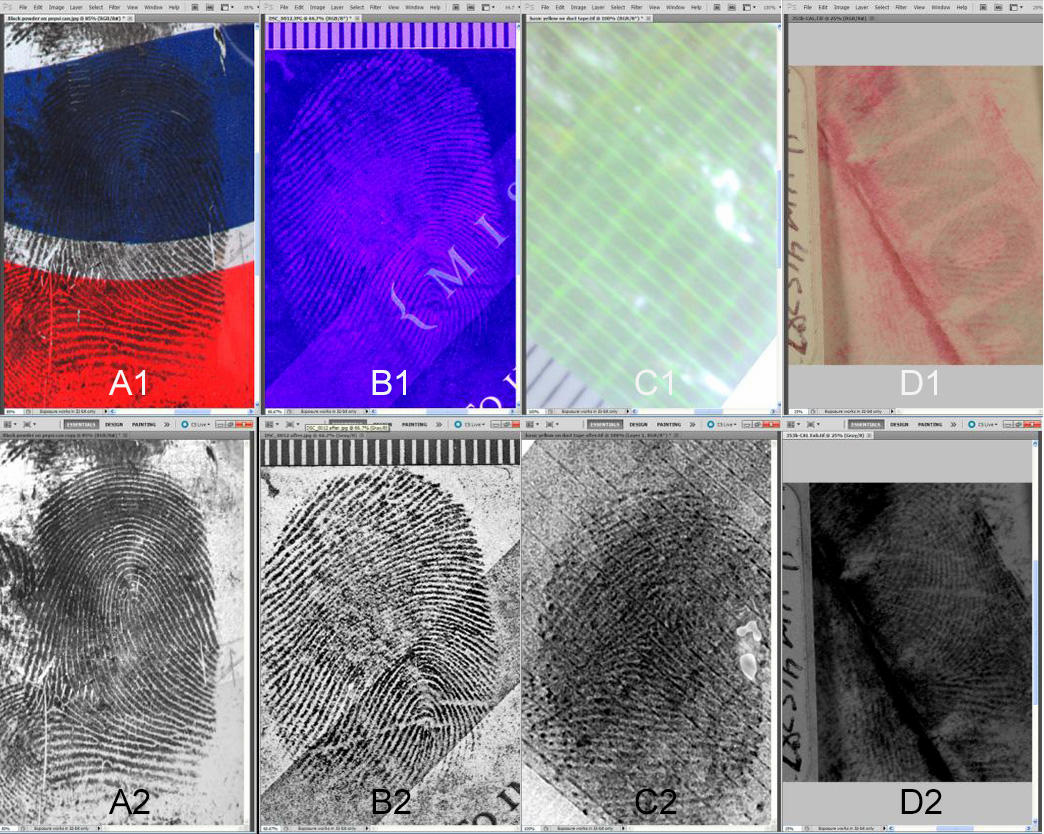
Modern tools can even identify which specific camera took a photo by analyzing its unique "noise fingerprint" — like a camera's DNA. Every camera leaves a distinctive noise in the produced images, allowing forensic experts to create a Camera Reference Pattern (CRP) file that can trace images back to specific camera exemplars, even when images have been mildly compressed, rotated, or cropped.
3. Steganography Detection: Uncovering Hidden Messages
Steganography is the art of hiding secret messages inside images. Criminals might hide illegal information in innocent-looking photos. Digital forensics uses AI-powered tools like Aletheia and StegExpose to detect these hidden payloads by analyzing statistical patterns and image features like PSNR (Peak Signal-to-Noise Ratio) and MSE (Mean Square Error).
Real-World Applications
Law Enforcement & Criminal Investigations
Police use image forensics to verify surveillance footage authenticity, detect manipulated evidence, enhance blurry images to identify suspects, and trace the origin of criminal photos.
Medical Imaging
In healthcare, image authenticity is life-or-death. Medical image authentication uses advanced techniques like wavelet packet analysis and energy entropy to ensure diagnostic images haven't been altered. This prevents insurance fraud with fake medical images, ensures diagnostic accuracy through watermarking techniques, and protects patient privacy with embedded authentication.
Journalism & Media Verification
In the era of fake news, journalists rely on forensic tools to verify source authenticity of viral images, detect deepfakes and AI-generated content, fact-check visual claims, and maintain journalistic integrity.
Social Media & Cybersecurity
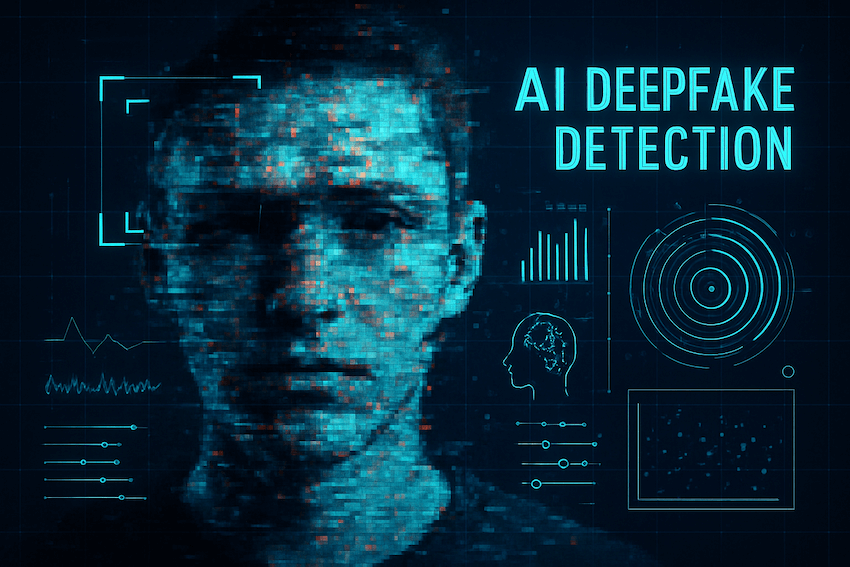
Platforms use image forensics to identify deepfake videos, detect misinformation campaigns, protect user identity from morphing attacks, and combat revenge porn and image-based harassment.
The Cutting-Edge Techniques Used Today
AI and Machine Learning Revolution
2025 has brought incredible advancements in forensic technology. Deep learning models can detect manipulations with exceptional accuracy, automated anomaly detection instantly flags suspicious patterns humans might miss, and specialized filters identify faces generated by Generative Adversarial Networks.
AI and machine learning are at the forefront of the digital forensics revolution. These technologies dramatically enhance investigators' ability to process and analyze large volumes of data quickly and efficiently. AI algorithms help investigators uncover patterns in seemingly unrelated data, spot new cyberattack strategies, and predict the behavior of suspects based on digital footprints.
Blockchain Authentication
Some organizations now use blockchain technology to create immutable records of image authenticity. Once an image is registered on the blockchain, any tampering becomes immediately detectable — like a digital seal that can't be broken.
Digital Watermarking
Fragile watermarks embedded in images act like security seals. If someone tries to tamper with the image, the watermark breaks, immediately alerting investigators. This technique integrates Schur decomposition and Discrete Wavelet Transform (DWT) for watermark embedding, ensuring robustness against attacks. It's especially crucial for medical images and legal documentation.
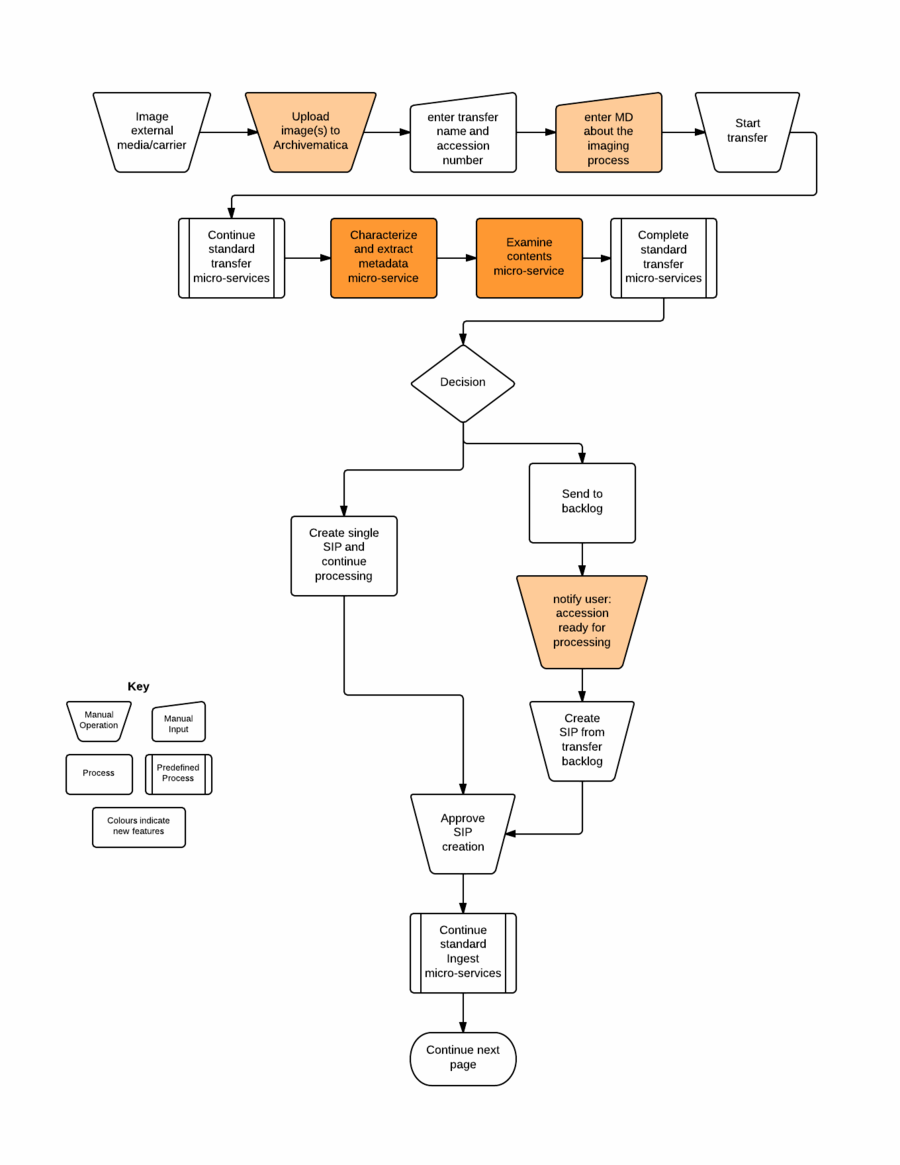
Popular Forensic Tools Used by Professionals
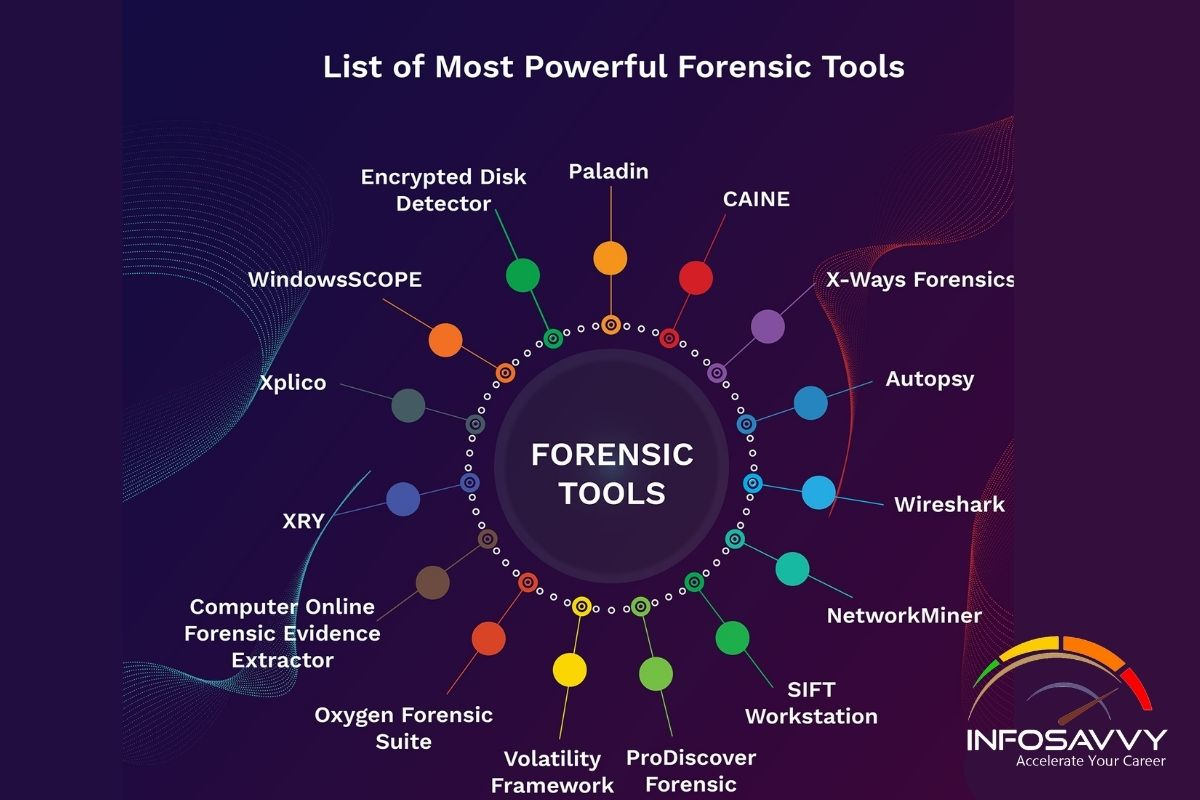
FTK Imager
A free, powerful tool for creating forensic images and previewing digital evidence without altering original data. It's the Swiss army knife of digital forensics. FTK Imager can create perfect copies (forensic images) of computer data without making changes to the original evidence, including file slack and unallocated space.
Amped Authenticate
The most complete software for photo, video, and deepfake forensics. It performs advanced authentication, detects manipulations, and identifies source devices through sensor analysis. The software includes over 40 tools and filters that aid in the entire authentication workflow, from integrity analysis to content tampering analysis and deepfake detection.
Autopsy & The Sleuth Kit
Open-source digital forensic platforms used by law enforcement worldwide for analyzing digital evidence.
Aletheia & StegExpose
Specialized tools for detecting steganography — hidden messages concealed within images. Aletheia offers a novel approach by implementing state-of-the-art machine learning techniques for steganalysis.
The Challenges Forensic Experts Face
Despite amazing technological advances, digital forensics isn't without obstacles:
- Computational complexity requires massive processing power for AI models
- Hackers develop adversarial attacks and techniques to bypass forensic detection
- Analyzing millions of images in real-time presents scalability issues
- Privacy concerns require balancing security needs with individual privacy rights
- As detection improves, so do deepfake manipulation techniques
The Future Is Here: What's Coming Next?
The digital forensics landscape is evolving rapidly:
- Quantum cryptography promises next-generation security for image authentication
- Explainable AI (XAI) will provide transparent forensic decision-making that experts can understand and explain in court
- Real-time detection will enable instant verification as images are captured
- IoT forensics will analyze images from smart home devices, wearables, and connected cameras
- 5G integration will allow tracing communications through high-speed networks
Why This Matters to You
You might think forensic image analysis only matters to law enforcement, but it affects everyone:
- Your social media photos could be used without permission
- Your medical records need protection from tampering
- Your news consumption should be based on verified images
- Your legal rights might depend on authentic visual evidence
Understanding digital image forensics empowers you to be more critical of the images you see and share online.
The Bottom Line
Digital image processing has revolutionized forensic science, transforming it from a manual, time-consuming process into a high-tech, AI-powered discipline. It's the invisible guardian protecting truth in our increasingly digital world.
From detecting medical fraud to catching criminals, from verifying news to protecting your identity — digital image forensics is everywhere, working silently behind the scenes.
The next time you see a viral image online, remember: somewhere, there's technology capable of telling whether it's real or fake. And that technology is constantly evolving, staying one step ahead of those who try to deceive.
The future of truth lies in pixels, algorithms, and the brilliant minds who keep pushing forensic science forward.
The Pixel Detective: A Step-by-Step Walkthrough of Embedding and Extracting Hidden Data
This is a hands-on CTF-style walkthrough using Steghide — a practical demonstration of how steganography works in the real world.
Imagine you need to send a secret message, but you can't let anyone know the message even exists. Steganography is the art of hiding data inside other, seemingly innocent files. In this walkthrough, we'll embed a hidden flag inside an image, detect it with forensic tools, and extract it cleanly.
Start with an innocent cover image, such as evidence.jpeg. Create a secret text file named secret.txt containing sensitive information, then use a command-line utility to embed the text directly into the image's pixel data using a secure passphrase.
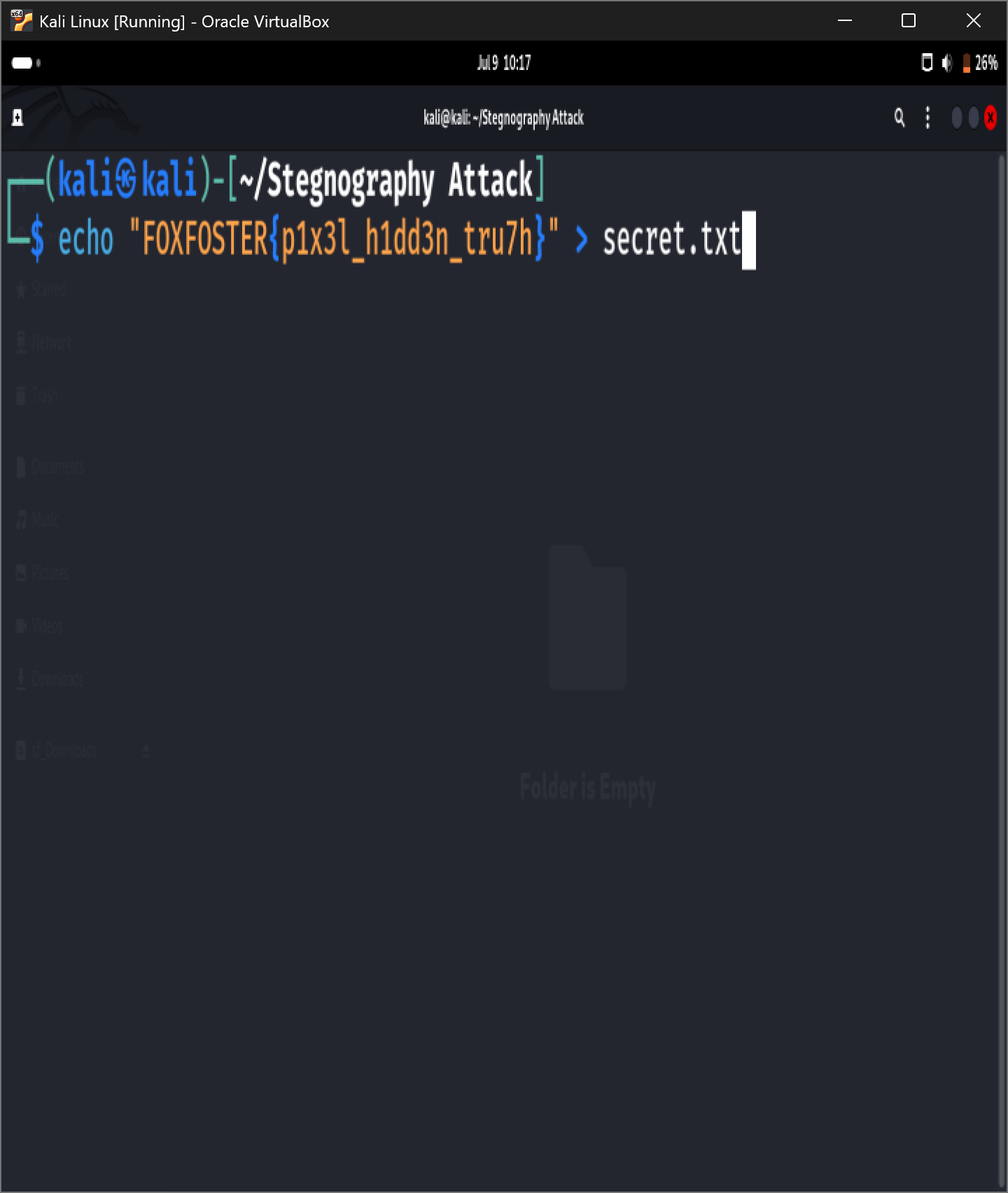
Step 1: Prepare the secret file
echo "FOXFOSTER{P1X3L_H1DD3N_TRU7H}" > secret.txtStep 2: Embed the payload using Steghide
Use Steghide to inject the text file into a clean image:
steghide embed -ef secret.txt -cf cover.jpeg -sf evidence.jpeg -p FOXFOSTER2026Parameters:
-ef— specifies the embed file (the secret data to hide)-cf— specifies the cover file (the clean JPEG image)-sf— specifies the stego-file (the modified output image)-p— specifies the passphrase
Troubleshooting: If you get a "Could not open cover file" error:
- Steghide only supports standard JPEG, BMP, WAV, or AU formats
- Your
cover.jpegmight be a different format (like PNG or WebP) renamed with a.jpegextension - Check the true format with
file cover.jpeg - Convert with:
convert cover.jpeg cover.jpeg(ImageMagick) - Or convert to BMP:
convert cover.jpeg cover.bmp
Step 3: Verifying the visual integrity
When you compare cover.jpeg and evidence.jpeg side by side, they appear identical to the naked eye. This is because the embedding process gently alters the least significant bits (the parts of pixel data that handle tiny color variations) without shifting the overall layout or transparency of the picture.
An investigator receives the image and notes suspicious statistical patterns. Before running automated scanners, a pixel detective always checks the file's basic properties. When an attacker injects data into an image, the visual appearance stays the same, but the cryptographic hash value (like SHA-256) changes completely because the underlying bits have shifted.
Step 1: Statistical analysis with advanced tools
Use specialized open-source steganalysis frameworks like Aletheia or StegExpose. These tools use automated algorithms to analyze statistical patterns and image features, such as:
- MSE (Mean Square Error) — measures the average squared difference between the estimated values and the actual value
- PSNR (Peak Signal-to-Noise Ratio) — evaluates the ratio between the maximum possible power of a signal and the power of corrupting noise
When Aletheia scans the modified image, it flags anomalies in the structural characteristics of the pixels, indicating a high probability of an embedded payload.
Alternative approach — using Steghide's native info command:
steghide info evidence.jpegThis command reveals:
- Evidence confirmed: explicitly names the hidden asset as
secret.txt - Cipher details: reveals the exact encryption algorithm used (Rijndael-128, CBC)
Once the payload is flagged, execute the extraction process. Retrieve the original secret.txt file safely to view the hidden data.
Step 1: Executing the extraction command
Using the passphrase (FOXFOSTER2026), extract the hidden text file:
steghide extract -sf evidence.jpeg -p FOXFOSTER2026Parameters:
-sf— specifies the stego-file (the image containing the hidden data)-p— inputs the specific passphrase used to encrypt the payload
Step 2: Revealing the flag
Once the command runs successfully, Steghide writes the extracted data back into a readable file:
cat secret.txtOutput:
FOXFOSTER{P1X3L_H1DD3N_TRU7H}Summary
The complete steganography workflow follows three core steps:
- Embedding: injecting data securely into pixel structures without changing the visual appearance
- Detection: identifying hidden patterns with statistical tools like Aletheia
- Extraction: recovering the flag file cleanly using the proper cryptographic passphrase
Key Takeaways
- Data Invisibility: Steganography alters the least significant bits of an image, allowing secret payloads to hide without changing the visual appearance
- Statistical Footprints: Forensic software detects hidden data by scanning for mathematical deviations in pixel structures, such as Mean Square Error (MSE)
- Cryptographic Validation: Successful recovery relies on utilizing the correct encryption passphrase to extract the data cleanly without corrupting the asset