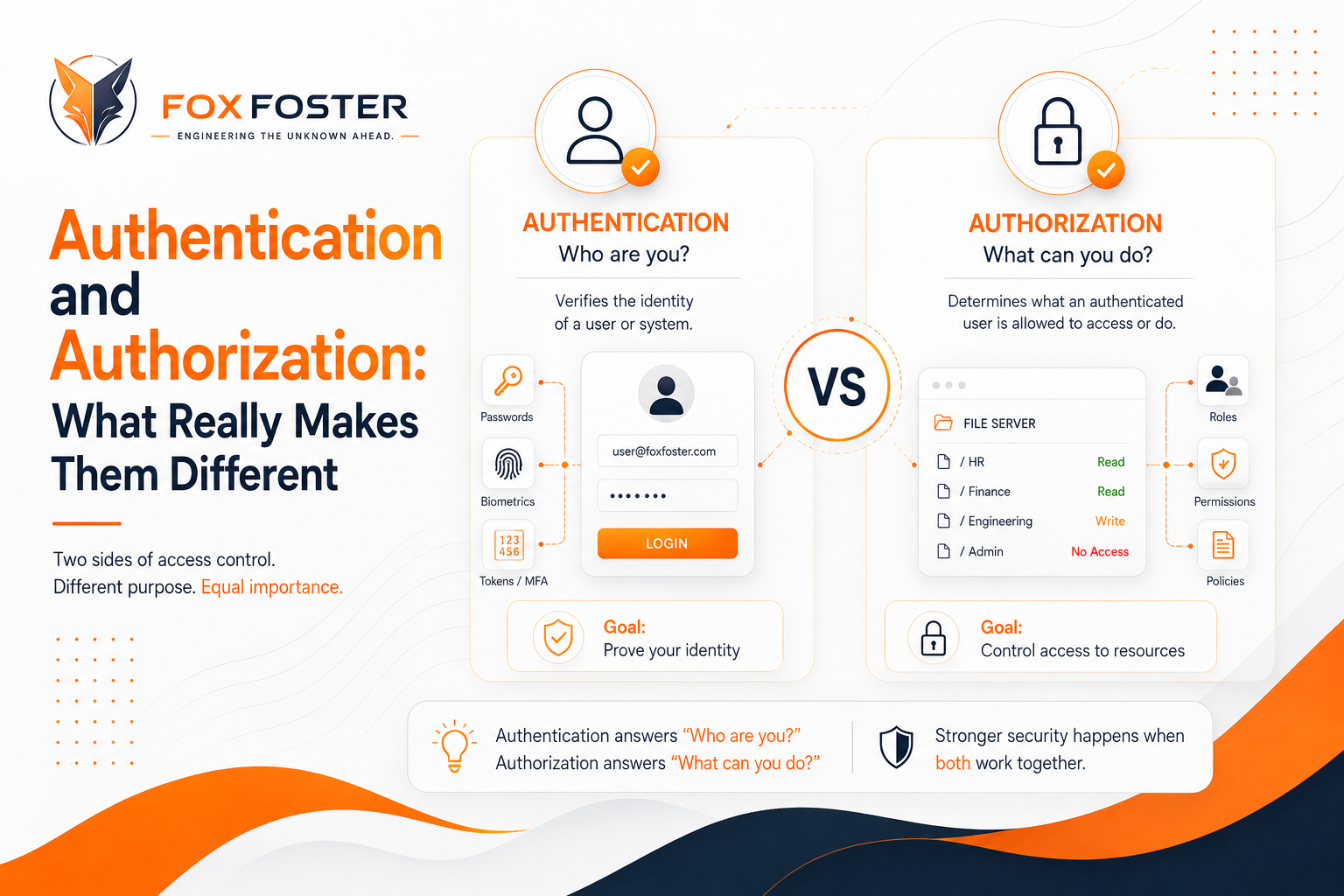
Authentication and Authorization: What Really Makes Them Different
These two terms get tossed around a lot—and mixed up even more.
To see why they are not the same, let's take an example that everyone can relate to: getting onto a plane. Consider the airport. The first thing you do? Show your ID at the check-in counter. Somebody checks your face against your photo and your name against the ticket—okay, you are who you say you are. That's authentication. Later, at the gate, you scan your boarding pass. This step only checks if you can board this flight in this seat. That's authorization. Same trip, two separate security checks.
No wonder these terms blur together, right? They both start with "auth," and on a website, you usually see them smashed together on a login form. But mixing them up, or assuming authentication alone grants automatic access to everything, is actually a recipe for security disasters. So, let's split them up and see what they actually do.
Authentication: Proving You're You
Authentication is all about answering one question: is this really you? Every time you type in a password, scan your fingerprint, or insert a security key into your laptop, the system is trying to match "person at the keyboard" to a known identity.
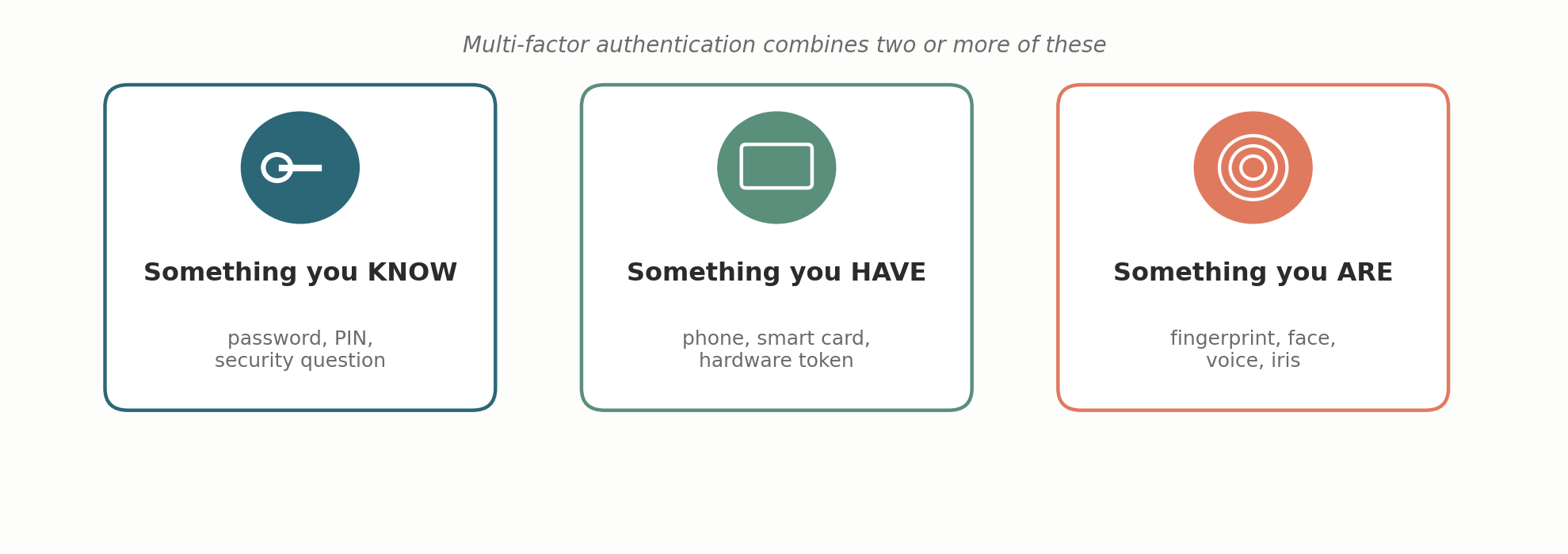
Computers don't see faces—they only check if you can produce something linked to your identity. Security people break these proofs into three main types:
- Something you know: passwords, PINs
- Something you have: a phone, a security token
- Something you are: fingerprints, face scans
This is where "multi-factor authentication" comes in—combining two or more of these categories.
Let's talk passwords. They're the oldest trick in the book (and honestly, the weakest). If a system's being responsible, it never saves your actual password. It saves a hashed version. When you log in, the system hashes what you type and compares it to the stored hash. The problem? Many users use the same basic passwords. Hackers use pre-computed hash lists (rainbow tables) to crack them. The fix? Add a salt—a unique, random string mixed with each password before hashing. It doesn't make your individual password stronger, but it nukes mass guessing attacks because every account has its own hash.
Static passwords have another major flaw—if someone grabs it once, they can keep using it. Challenge-response systems deal with that. The server sends a one-time code. Your device takes that and combines it with your secret to produce a response. Hardware tokens do something similar by generating new codes every 30-60 seconds.
Authorization: What You're Allowed To Do
Once authentication's out of the way, the real question is: what are you allowed to access? That's authorization. It doesn't care what your name is—it cares about the permissions tied to your role, your group, or specific policies.
Think about the shared drive at work. Everyone logs in the same way, but the intern and the finance director definitely see different stuff. That's not about authentication; the system already knows who's who. It's authorization, usually managed through systems like Role-Based Access Control (RBAC), where permissions are tied to roles instead of being set one by one for every single person.
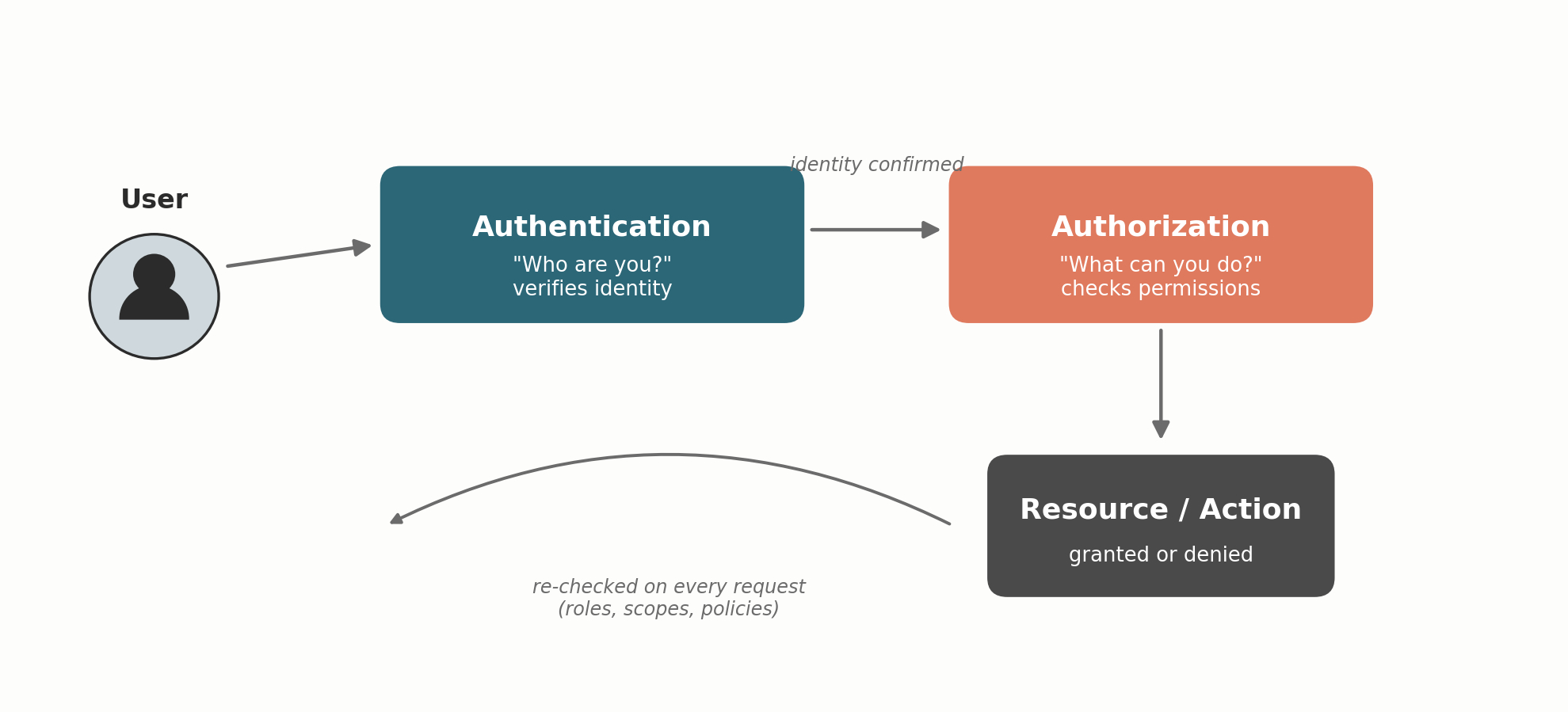
Another thing: while you often only log in once, authorization checks happen all the time—every time you open a file, use an API, or hit 'delete.' It has to, since your access can change in the middle of a session (like if your account is suspended or your role changes).
Why This Difference Matters
Getting these two mixed up isn't just a language issue—it causes real problems. A common mistake? Assuming "logged in" equals "can do anything." This happens when APIs only check login tokens but skip the permission check for resources. That's broken access control — listed as #1 on the OWASP Top 10.
On the flip side, you can design perfect permission rules, but it's worthless if anyone can talk their way in with a weak password or a compromised account. Both authentication and authorization need to work for things to really be secure.
Quick Comparison
| Authentication | Authorization |
|---|---|
| Who are you? | What are you allowed to do? |
| Happens first | Happens after authentication |
| Usually once per session | Checked constantly |
| Uses passwords, biometrics, tokens | Uses roles, policies, ACLs |
| Example: logging into email | Example: accessing admin panel |
Real-World Examples
- Logging into your account is authentication; not being able to read your coworker's email is authorization.
- Single Sign-On (SSO) lets you login once but each service decides what you can do. That's authorization after authentication.
- "Sign in with Google" (OAuth) is mostly about authorization. It lets you restrict what third-party apps can see or do on your account.
- Checking into a hotel? Presenting your ID is authentication. Authorization is the key card that only opens your room.
The Bottom Line
Authentication figures out who you are. Authorization decides what you're allowed to do. They usually happen one after the other, but they tackle different problems and fail in different ways. To build secure systems, treat them as separate steps: prove who someone is, then, over and over, decide what they're allowed to do. Don't let one stand in for the other.